I spent last Tuesday switching between my terminal, VS Code, and ChatGPT approximately 47 times. I counted. Each switch broke my flow to copy code, paste it into a chat window, get a response, copy it back, and hope it worked.
There had to be a better way.
Terminal-based coding agents promise to end this. They live where the work actually happens—in your terminal, with full access to your codebase, git history, and command execution. No more copy-paste hell. No more "upload your file" friction.
I tested five of them on real projects over the past month—the same ones dominating Reddit threads and GitHub stars as the best coding agents for 2026. Here's what actually works, what's overhyped, and which one you should try first based on what you're building.
What makes a good terminal coding agent?

Before we dive into the coding agents leaderboard, let's establish what separates useful agents from glorified autocomplete:
Autonomy level: Can it execute multi-step plans without asking permission for every file edit?
Context awareness: Does it understand your entire codebase or just the file you're pointing at?
Tool use: Can it run tests, search files, execute git commands, or install dependencies?
Multi-file editing: Real features span multiple files. Can it coordinate changes across them?
Cost and accessibility: Is it free, paid, or locked behind waitlists?
I tested each agent on the same task: refactoring a messy Express.js API to use async/await properly, fixing the tests, and updating the documentation. Here's what happened.
1. Claude Code
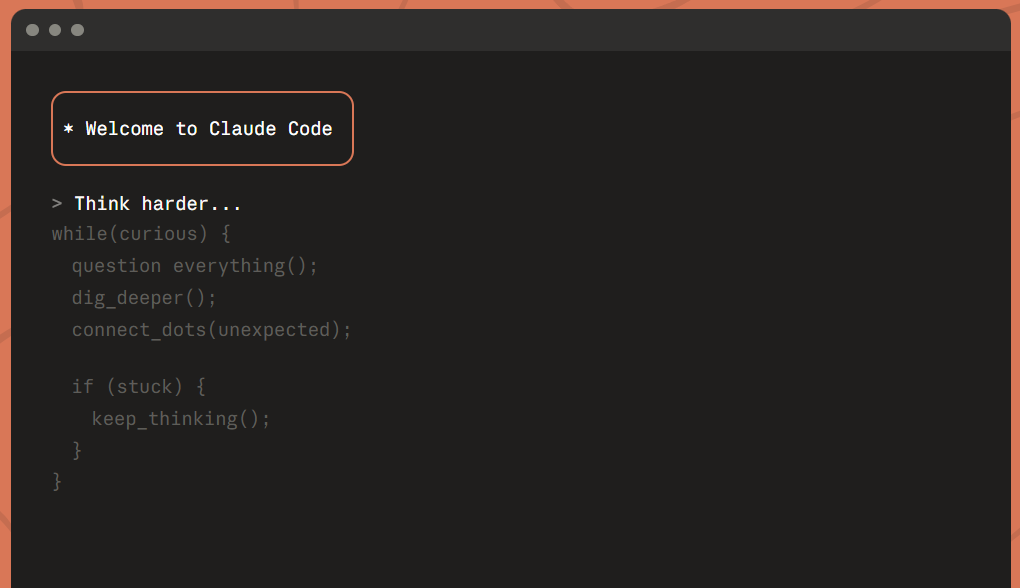
What it is: Anthropic's official terminal agent that runs Claude directly in your shell.
I got early access last month and it's legitimately impressive. You describe what you want, and it plans out the changes, executes them across multiple files, runs your tests, and iterates based on failures.
What it does well:
- Genuinely autonomous. I gave it "refactor this API to use
async/await" and it touched 8 files, updated tests, and fixed edge cases I didn't mention - Excellent at understanding existing codebases. It read through my routes, spotted the error handling patterns, and maintained consistency
- Integrates with MCP servers for extended capabilities (database access, Slack notifications, etc.)
The catches:
- Uses Claude API credits (not free, but reasonable)
- Occasionally over-explains what it's about to do instead of just doing it
Best for: Developers who want high autonomy and are already in the Anthropic ecosystem.
Cost: Products usage (roughly $17-20 per month)
My take: If you want to use AI for coding, it's currently the most capable option. The autonomy is real, not marketing hype.
2. OpenCode
What it is: Open-source coding agent that runs locally or in the web/Desktop app with support for multiple LLMs.
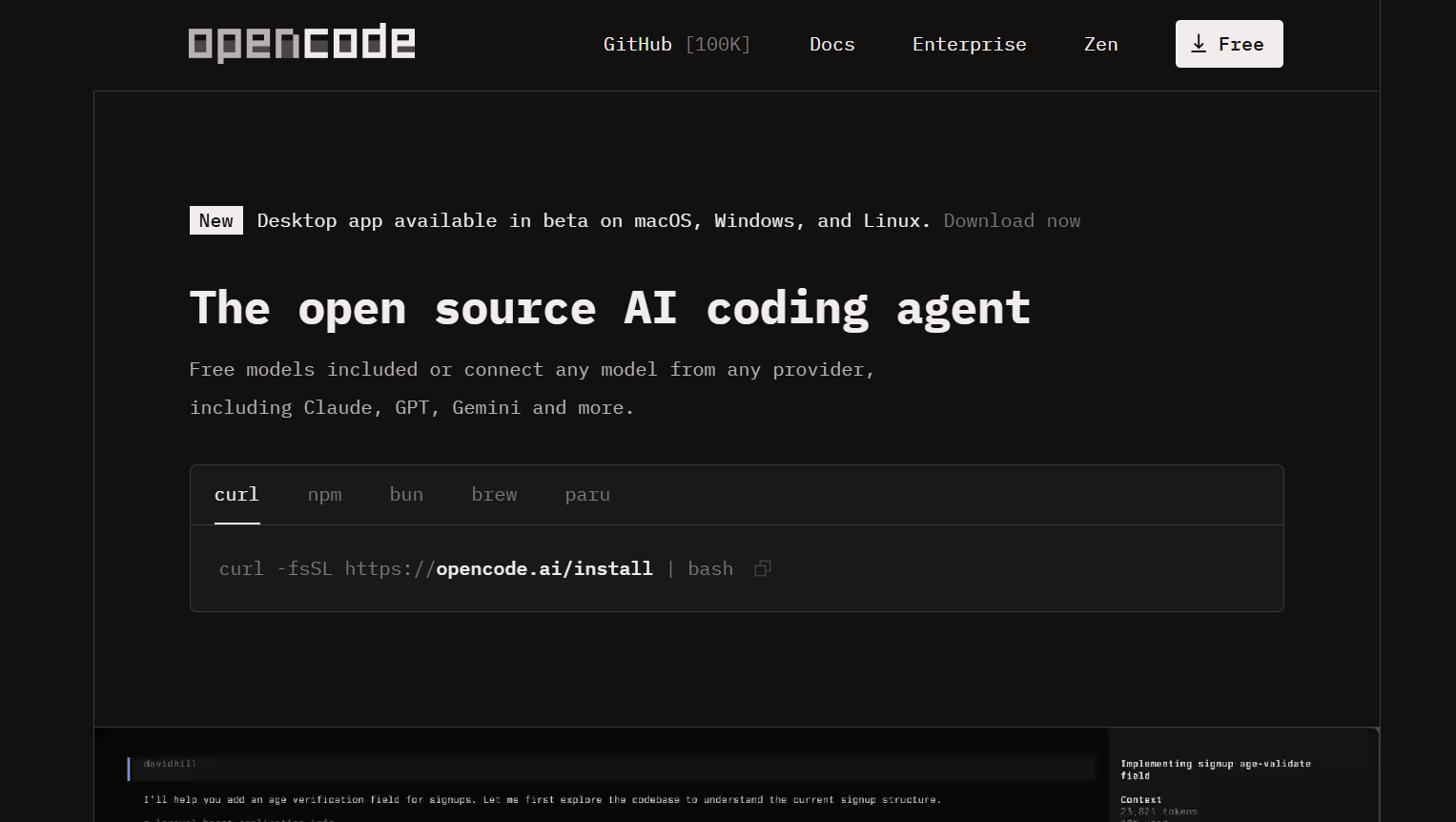
What it does well:
- Truly open source with an active community (currently top OpenCode agent on GitHub by stars)
- Works with GPT-4, Claude, or local coding agent models (Llama, DeepSeek, Mistral)
- Browser-based UI and terminal mode
- Can spin up its own Docker environment for isolated testing
- Completely free if you use local models
The downsides:
- Setup is more involved than other options
- Performance varies wildly based on which model you use (local models struggle with complex tasks)
- Browser UI feels clunky compared to terminal-native tools
- Documentation assumes you know what you're doing
Best for: Developers who want full control, don't mind tinkering, or need the best local coding agent for privacy/offline work. Also ideal if you want to experiment with different coding agent models (GPT-5, Claude, Llama, DeepSeek).
Cost: Free (pay for LLM API if using cloud models)
My take: Powerful if you invest time in setup. Not great for "I just need this done quickly" moments. Best option if you're privacy-conscious or want to use local models.
3. Warp
What it is: AI-powered terminal replacement with a built-in team of coding agents that work directly in your workflow.
Warp started as a modern terminal with AI features. Then they went all-in on agents. Now you can run multiple AI agents simultaneously—one writing code, another running tests, another handling git operations—all coordinated from the terminal.
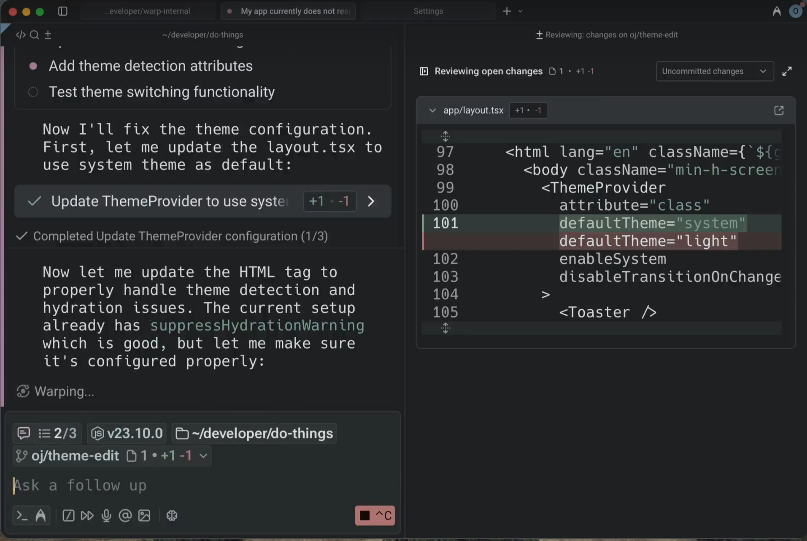
What it does well:
- Multiple agents working in parallel (this is unique—other tools run one agent at a time)
- Beautiful, modern terminal UI that doesn't feel like it's from 90s
- Agent memory across sessions (it remembers what you worked on yesterday)
- Built-in workflows for common tasks (deploy, test, refactor patterns)
- Works with your existing shell (
zsh,bash,fish)
Where it falls short:
- macOS and Linux only (Windows support is "coming soon" for over a year)
- Requires learning Warp's interface quirks (blocks instead of traditional scrolling)
- Agent features require Warp Pro subscription (not just API costs)
- Some developers find the "modern" UI distracting vs traditional terminals
- Closed source
Best for: Developers who want an all-in-one terminal experience and don't mind paying for convenience.
Cost: Free tier limited; Pro is $18/month (includes agent features + API credits)
My take: The multi-agent parallelism is genuinely innovative. If you're already dissatisfied with your terminal and want everything integrated, Warp is worth the switch. But if you're happy with iTerm2 or Alacritty, the friction of switching might outweigh the benefits. The Pro subscription also adds up—you're paying monthly plus API costs for the models.
Key highlight: → Warp's agent marketplace lets you install pre-built agent workflows (Django deployment, React refactoring, etc.) created by the community. This is powerful if you work in common stacks.
4. GitHub Copilot CLI
What it is: Terminal extension of Copilot focused on command suggestions and explanations.
This isn't really a full coding agent—it's more like an intelligent command assistant. But it's useful enough to mention, especially if you already have a Copilot subscription.
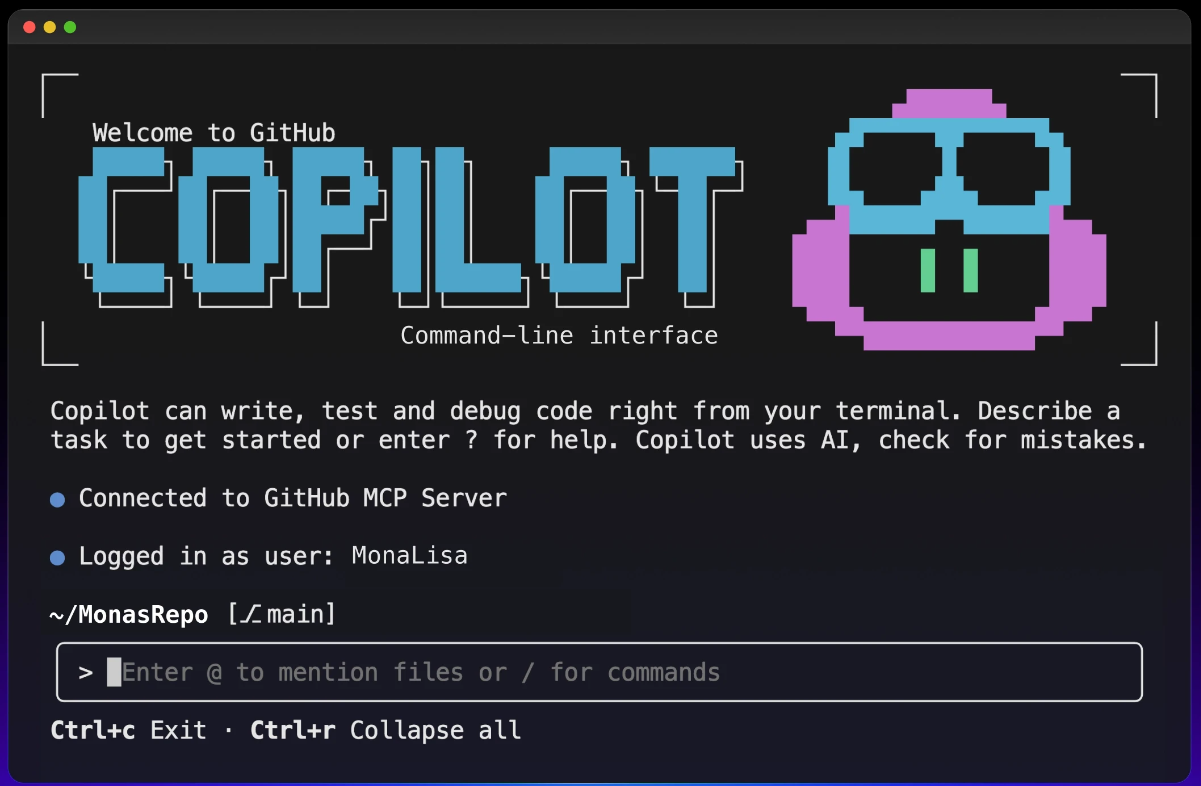
What it does well:
- Explains terminal commands in plain English (great for
git,docker,kubectlcommands you always forget) - Suggests commands based on what you're trying to accomplish
- Works instantly (no setup beyond
ghCLI) - Integrated with your GitHub workflow
- Zero context switching—stays in terminal
What it doesn't do:
- No file editing or code generation in files
- Very limited autonomy (one command at a time)
- More "assistant" than "agent"
- Can't coordinate multi-step tasks
- Doesn't learn from your codebase
Best for: Developers who forget git commands or want quick explanations without opening docs.
Cost: Included with Copilot subscription ($10-39/month, often free for students/open source maintainers)
My take: Useful for terminal commands, not really a coding agent. I use it probably 3-4 times a day for git operations I can never remember. Good companion tool if you already have Copilot. Don't buy Copilot just for this—but if you have it, install the CLI extension.
Important note: Many developers on Reddit mention this works best for commands you almost remember but need a quick reminder. For learning entirely new tools, the explanations can be too surface-level.
5. Goose (by Block/Square)
What it is: Newer terminal agent from Block (formerly Square) with a focus on enterprise developer toolchains and security compliance.
Still early but worth watching. Built specifically for enterprise development workflows where you need audit trails, security controls, and integration with corporate dev tools.
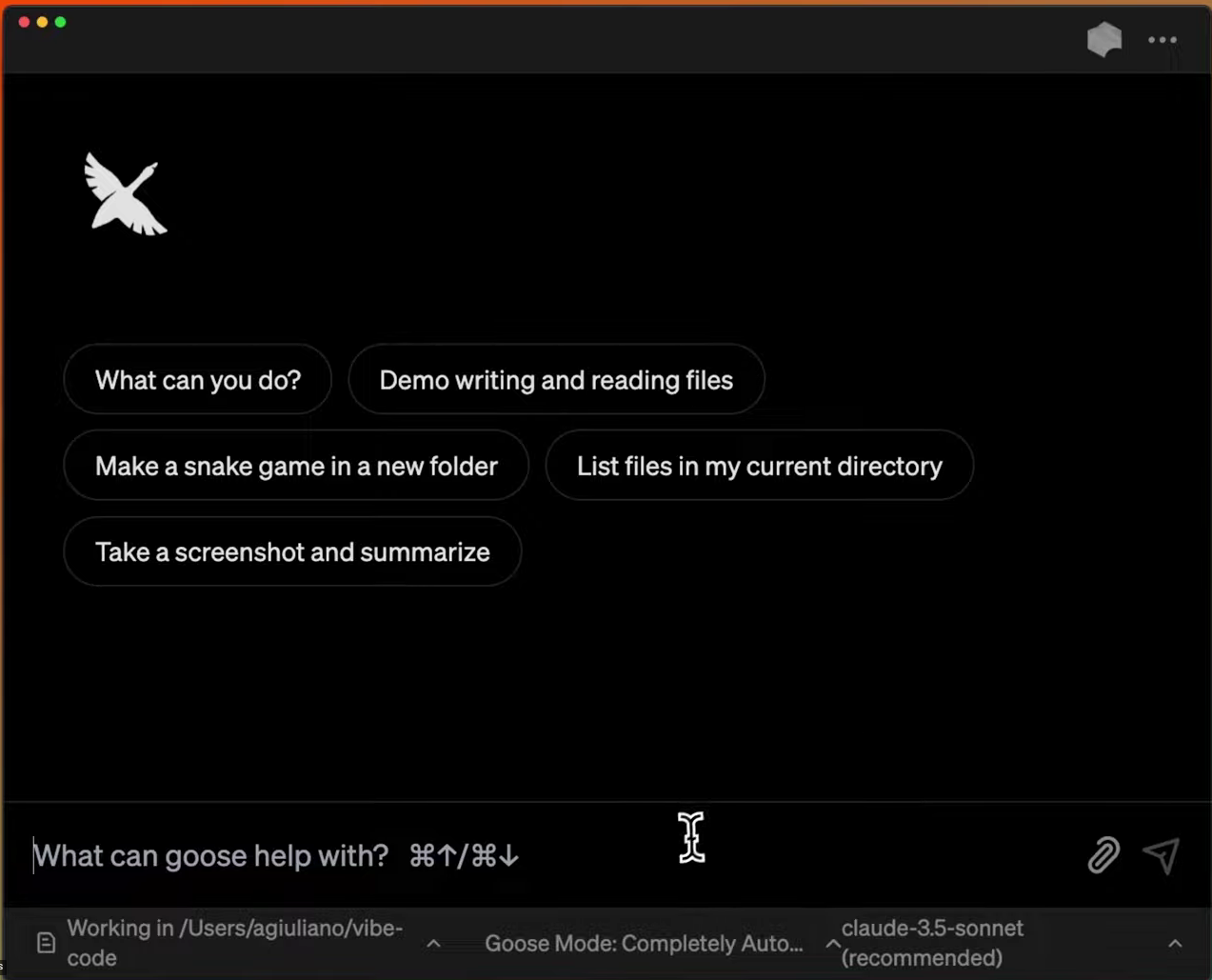
What it does well:
- Integrates with existing dev tools (Jira, Linear, Jenkins, CircleCI, PagerDuty)
- Strong emphasis on explainability (shows reasoning for every change with audit logs)
- Works within enterprise security constraints (supports SSO, VPNs, air-gapped environments)
- Good at coordinating with existing CI/CD pipelines
- RBAC support (role-based access control for what agents can do)
The catches:
- Still in early access (waitlist or enterprise contracts only)
- Primarily focused on enterprise use cases (overkill for solo devs)
- Less community support than open source options
- Documentation is sparse and assumes enterprise context
- No public pricing (enterprise sales only)
Best for: Teams in regulated industries (finance, healthcare, government) or companies with strict security/compliance requirements.
Cost: Enterprise pricing (not public, likely starts at $50+/user/month based on similar tools)
My take: Too early to fully recommend for general use, but the enterprise focus is smart. If you're at a company with serious compliance needs (SOC 2, HIPAA, PCI-DSS), this might be your only real option. Regular coding agents don't understand compliance requirements or audit trails.
What I'm actually using this week
Daily work: Warp for most tasks.
Complex refactors: Claude Code when I have access. The autonomy saves real time on multi-file changes.
Experimentation: OpenCode with local models when I'm trying something new and don't want to burn credits.
Quick command help: GitHub Copilot CLI because it's already there.
Not using: Goose (don't have enterprise access and don't need it).
What Actually Matters: The Trade-offs Nobody Talks About
After using all five, here's what the marketing pages don't tell you:
Autonomy vs. control is a real tension. Claude Code's high autonomy is amazing until it refactors something you didn't want touched. Warp's multi-agent approach gives you more granular control.
Context window management is everything. Agents that blindly load your entire codebase hit token limits fast and cost a fortune. Warp and Claude Code handle this better than OpenCode.
Local models aren't there yet. I wanted OpenCode with Llama to work for privacy reasons. It's okay for simple tasks but fails at anything requiring multi-step reasoning.
Git integration matters more than you think. Agents that don't understand git make a mess of your history. Claude Code and Warp do this well. OpenCode... less so.
The real cost isn't the subscription. It's the time spent debugging when the agent misunderstands and breaks something. Claude Code and Warp break less. OpenCode depends entirely on which model you're using.
Should you even use these?
Terminal coding agents are genuinely useful for:
- Boilerplate generation (APIs, tests, configs)
- Consistent refactoring across multiple files
- Updating code to new patterns or frameworks
- Generating tests for existing code
They're not great for:
- Architecting new systems (you need human judgment)
- Debugging weird production issues (they hallucinate)
- Anything requiring deep domain knowledge
- Learning—you won't understand code you didn't write
Start with Warp. It's free, stable, and won't surprise you. If you need more autonomy and get Claude Code, try that. If you're privacy-focused or want full control, invest time in OpenCode setup.
But remember: these are tools, not replacements. The agent writes the code. You still ship it, debug it, and explain it to your team at 2 AM when it breaks production.
Choose accordingly.
Want content like this for your blog? Connect with me on LinkedIn or X (Twitter). I'd love to help!