You're spending thousands on AI subscriptions. You've got Claude Pro, GitHub Copilot, maybe even a custom GPT wrapper. But every time you need the AI to do something your way—following your company's code standards, matching your client's brand voice, or running your specific review process—you're typing the same instructions over and over.
There's a better way, and it's sitting right under your nose.
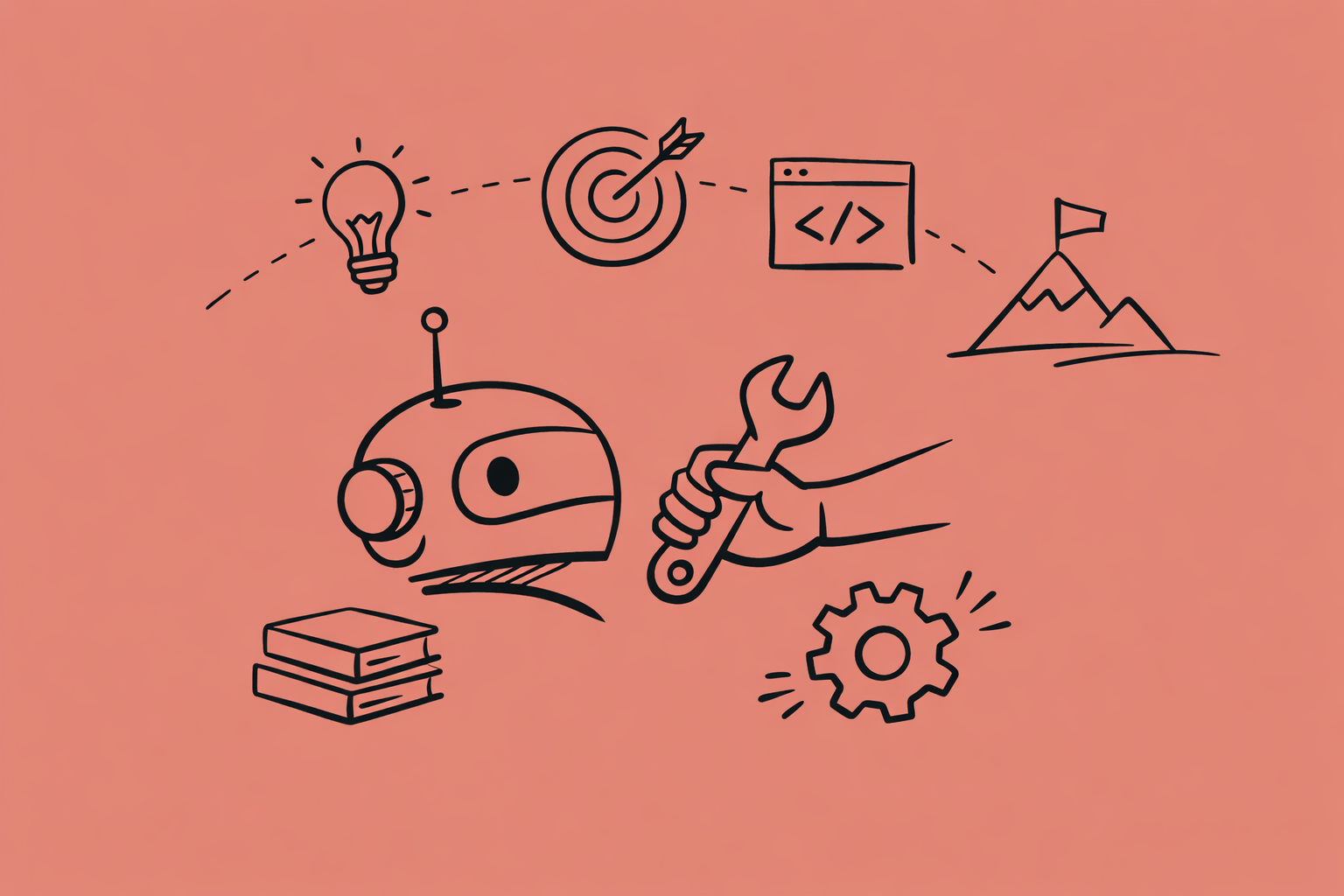
Agent Skills are folders of instructions that AI agents load automatically when they're relevant. Write your process once in a markdown file, and every AI tool that supports the Skills spec—Claude, VS Code, Cursor, GitHub Copilot—follows it perfectly. Every single time.
No fine-tuning. No API integration. No infrastructure. Just a text file.
And almost nobody's talking about it.
What Makes Skills Different From Regular Prompts
Here's where most people get this wrong: they think Skills are just saved prompts. They're not.
When you paste instructions into ChatGPT, you're burning context window space. Those 500 words about your code review standards? They're always there, whether you're reviewing code or writing an email. The AI has to wade through everything to figure out what matters right now.
Skills use progressive disclosure. The agent sees only the skill name and a one-line description initially—around 100 tokens. When it determines the skill is relevant, it loads the full instructions. Scripts and reference files? Those only load when the agent actually needs them.
You can have 50 skills available without cluttering your context. The agent picks what it needs, when it needs it.
More importantly: Skills work everywhere. Write a skill for code reviews in Claude Code, and it works identically in Cursor. Switch to VS Code? Same skill. This is the first time we've had portable AI instructions that aren't locked to one vendor's ecosystem.
Why This Matters More Than You Think
Let me show you what this looks like in practice.
I run code reviews for three different clients. Each has different priorities. One cares obsessively about security—they're in fintech. Another wants simplicity above all—they're a startup moving fast. The third is healthcare, so HIPAA compliance dominates every decision.
Before Skills, I'd spend the first five minutes of every review session explaining the client's specific standards to Claude. "For this client, prioritize type safety. Also check for PII handling. And remember they use Zustand, not Redux."
Now I have three skills: client-a-review, client-b-review, client-c-review. Each encodes that client's priorities, tech stack, and review standards. When I'm in Client A's repo, Claude automatically loads their skill. The review I get is tailored to their standards without me saying a word.
That's not a convenience feature. That's a fundamental shift in how AI assistance scales.
The Multi-Agent Pattern Nobody's Using
Here's where Skills get really powerful: you can spawn specialized agents from within a skill.
My PR review skill launches five agents in parallel. One focuses exclusively on security—SQL injection, XSS, authentication flaws. Another checks type safety—hunting for any types and unsafe null handling. A third reviews test coverage. Fourth checks architecture against the project's conventions. Fifth scores readability and complexity.
Each agent examines the entire PR through its specialized lens, then reports back with confidence scores. Only issues above 80% confidence make it to the final report, organized into Critical, Important, and Suggestions.
This catches edge cases that a single-pass review misses. The type safety agent spotted an OAuth state leak that looked fine at first glance. The test reviewer found a mocking issue that would've caused flaky tests in production. None of this required me to build orchestration infrastructure or manage agent communication protocols.
It's just markdown instructions telling Claude how to coordinate the review process.
Where Most Teams Are Getting This Wrong
The AI agent space right now is dominated by frameworks. LangChain, CrewAI, AutoGen—everyone's building complex orchestration systems. Companies are hiring ML engineers to wire up agent communication. They're deploying vector databases for memory. Setting up message queues for inter-agent coordination.
Then six months later, 40% of these projects get abandoned because they're too complex to maintain, too expensive to run, or solving problems that didn't actually need solving.
Skills handle 80% of agent use cases with zero infrastructure. You don't need orchestration when you can just describe the workflow in plain English. You don't need persistent memory when you can reference documentation files in the skill folder. You don't need complex routing when the agent can read which skills are available and pick the relevant ones.
The complexity isn't buying you anything except maintenance burden.
How to Start Using Skills Tomorrow
Pick one repetitive task you do weekly. Code reviews, commit messages, documentation audits, client communication—anything where you find yourself explaining the same process repeatedly.
Create a folder called .claude/skills/your-task-name. Inside it, create a SKILL.md file with YAML frontmatter and your instructions:
---
name: your-task-name
description: When to use this skill
---

Your instructions go here
That's the entire setup.
Now when you trigger that task, the agent loads your skill and follows your exact process. Next time you need the same task done, it's already encoded. The time you save compounds with every use.
For technical writers juggling multiple clients, this is transformative. One skill per client's brand voice means you never have to explain tone guidelines again. Your style guide lives in a text file that works across every AI tool you use.
For developers, it means your code review standards are consistent whether you're reviewing in Claude Code, getting suggestions in VS Code, or using GitHub Copilot. One source of truth, enforced automatically.
The Portability Advantage
This is the part that makes Skills genuinely different from every other AI customization approach: they're an open standard.
You're not writing a Claude-specific plugin or a GPT-specific action. You're creating portable knowledge that works across any tool implementing the Agent Skills specification. Right now that's Claude, Cursor, VS Code, and GitHub Copilot. As more tools adopt the standard, your skills work there too.
Compare that to building custom GPTs or Claude Projects. That work is locked to one platform. Switch tools and you're starting over.
Skills move with you.
Why Nobody's Talking About This
Skills launched quietly. No flashy demos. No viral Twitter threads. Just a GitHub repo with examples and a spec document.
Meanwhile, every AI company is hyping their agent framework. LangChain raises funding. AutoGen publishes papers. The narrative is that agentic AI requires sophisticated infrastructure.
Skills prove that's not true. The most practical agentic workflows are just structured instructions in text files. But there's no business model in that message. Nobody makes money when the solution is "write better documentation for your AI."
So it stays underrated.
What This Really Means
We're at an inflection point with AI assistance. The models are good enough. Claude Sonnet 4.5, GPT-4, and similar models can handle most tasks developers and writers throw at them.
The bottleneck now isn't model capability. It's context and consistency.
Skills solve both. They give agents the specific procedural knowledge they need for your situation, delivered precisely when relevant. And they ensure every interaction follows your standards, not generic best practices from the training data.
That's the difference between an AI that's occasionally helpful and one that's reliably part of your workflow.
If you're using AI agents and not using Skills, you're doing the hard work manually every single time. Writing the skill once saves you that effort on every future task.
The only question is which task you're going to encode first.