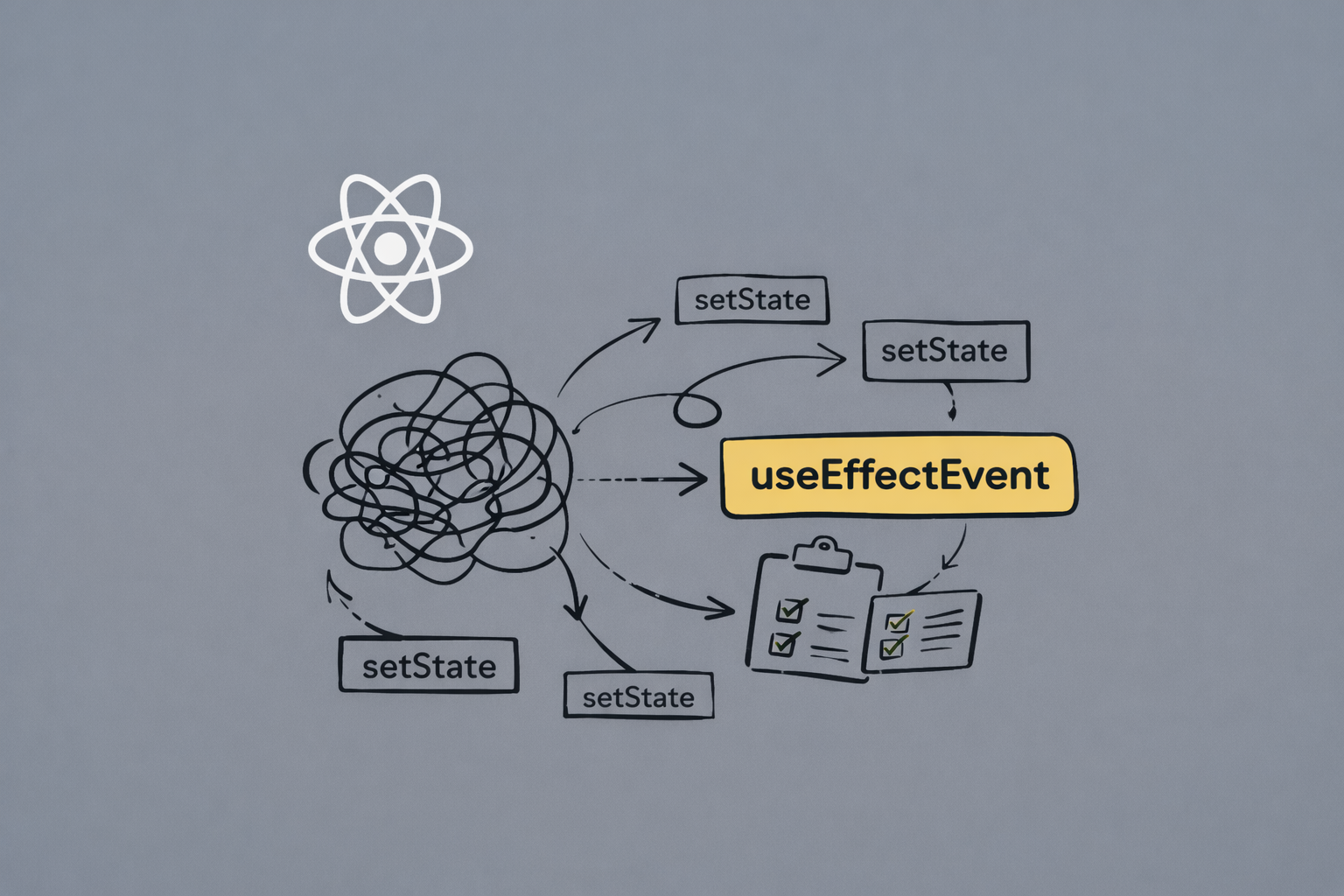
If you’re building with React, you've likely written a useEffect that runs too frequently. You change one unrelated value and see your entire effect trigger because you made that unrelated value change, which had nothing to do with your effect needing to resync.
The reason why this has occurred is that following the rules of React comes at a cost. The dependency array helps keep effects correct, but it also creates a trap where you add a value into an array, and the effect will now trigger every time that value triggers an event, whether or not the effect is intended to resync due to that trigger.
I’ve been there. Built a chat app where changing the UI theme disconnected and reconnected the WebSocket. Created an analytics tracker that logged duplicate events whenever user preferences were updated. Spent hours debugging why a simple effect was running ten times more than expected.
The existing workarounds to resolve this issue are to use refs, disable the linter, or build an overly complex architecture to prevent your useEffect from triggering for each value in your dependency array. None of these workarounds feels like working with the framework instead of against it.
The new useEffectEvent hook that was added in React 19 changes all that. It separates “values that will trigger an effect” from “values that will be used by the effect.” In other words, we have a way of using useEffect without needing to create hacky workarounds or having to make compromises.
The problem with useEffect
There's a pattern in React that almost every developer has written at some point. It looks something like this:
useEffect(() => {
  logData(userId, pageUrl);
}, [userId, pageUrl]);
The code seems simple enough. It's for tracking analytics data whenever the user or page changes. But then product requirements change and the analytics data should also include the current theme preference. Add it to the effect:
useEffect(() => {
  logData(userId, pageUrl, theme);
}, [userId, pageUrl, theme]);
At this point, you'll be like everything will work. But here's the problem: logData now fires every time the theme changes. That's not what was intended as the goal was to track page views and user changes, not theme toggles. But because theme is used inside the effect, it must be in the dependency array. And once it's there, the effect re-runs on every theme change.
And that's what we call- the dependency hell that useEffect creates. React 19's useEffectEvent is the solution most developers didn't know they needed. Let's go deeper in this!
Why React enforces dependencies
The issue isn't useEffect itself, but rather how React enforces the rules of reactivity.
When writing an effect, every value from component scope that's used inside must be listed in the dependency array. This ensures the effect always sees the latest values, and prevents stale closures.
But then it creates a different problem, i.e., over-triggering.
Consider a chat application that sends a message when the user presses Enter:
function ChatRoom({ roomId, theme }) {
  const [message, setMessage] = useState("");

  useEffect(() => {
    const connection = createConnection(roomId);
    connection.on("connected", () => {
      showNotification("Connected!", theme);
    });
    connection.connect();

    return () => connection.disconnect();
  }, [roomId, theme]); // theme causes reconnection

  // rest of your component...
}
The connection needs to know about the current theme to show notifications with the right styling. But now, every time theme changes, the entire connection disconnects and reconnects, and that's wasteful. The connection only actually needs to re-establish when roomId changes.
This is the fundamental issue here: some values need to be reactive (cause re-runs), while others just need to be latest (always up-to-date but don't trigger re-runs).
The problem gets worse with props. Function props like onSuccess, onError, or onComplete passed from parent components create new references on every parent re-render. Add them to your dependency array, and your effect runs constantly—even when the actual logic hasn't changed. Parent updates unrelated state? Your effect fires. This props dependency trap forces either useCallback everywhere in parent components or accepting unnecessary re-runs.
Existing workarounds
Before the launch of useEffectEvent, devs used several approaches to work around this, which include:
1. The useRef:
function ChatRoom({ roomId, theme }) {
  const [message, setMessage] = useState("");
  const themeRef = useRef(theme);

  useEffect(() => {
    themeRef.current = theme;
  }, [theme]);

  useEffect(() => {
    const connection = createConnection(roomId);
    connection.on("connected", () => {
      showNotification("Connected!", themeRef.current);
    });
    connection.connect();

    return () => connection.disconnect();
  }, [roomId]); // only roomId triggers reconnection
}
This approach fits well but it's verbose. It requires understanding mutable refs and managing synchronization manually. One thing about this is that, it's easy to mess up—forget to update the ref, and bugs appear.
2. No/disable linter:
useEffect(() => {
  logData(userId, pageUrl, theme);
  // eslint-disable-next-line react-hooks/exhaustive-deps
}, [userId, pageUrl]);
Dangerous territory. Disabling the linter means giving up React's safety checks. With this, you now introduce stale closures, and it works until it doesn't.
3. Moving logic outside the component:
Sometimes the solution is to lift state or move logic to a context provider. This can work but it often feels like over-engineering for what should be a simple problem.
None of these feel natural. They're just workarounds, not the proper solutions.
Enter useEffectEvent: A game changer
React 19 introduces useEffectEvent specifically to solve this problem. The hooks lets you separate events from Effects. In other words, it creates an event handler that always has the latest values but doesn't contribute to effect dependencies.
Here's the syntax:
const onEvent = useEffectEvent(callback)
Example:
import { useEffect, useEffectEvent } from "react";

function ChatRoom({ roomId, theme }) {
  const [message, setMessage] = useState("");

  const onConnected = useEffectEvent(() => {
    showNotification("Connected!", theme);
  });

  useEffect(() => {
    const connection = createConnection(roomId);
    connection.on("connected", onConnected);
    connection.connect();

    return () => connection.disconnect();
  }, [roomId]); // onConnected is not a dependency
}
Notice what happened:
- The
onConnectedis defined withuseEffectEvent - It uses
themefrom component scope - The effect calls
onConnectedbut doesn't list it as a dependency - The effect only re-runs when
roomIdchanges - But
onConnectedalways sees the latestthemevalue
Complete working example
Let's understand this hook in deep with a complete example with visible behavior:
import { useState, useEffect, useEffectEvent } from "react";

function AnalyticsTracker({ userId, currentPage }) {
  const [theme, setTheme] = useState("light");
  const [logs, setLogs] = useState([]);

  // Event that always has latest theme but doesn't cause re-tracking
  const logPageView = useEffectEvent(() => {
    const timestamp = new Date().toLocaleTimeString();
    const log = `[${timestamp}] User ${userId} viewed ${currentPage} (${theme} theme)`;
    setLogs((prev) => [...prev, log]);
  });

  useEffect(() => {
    logPageView();
  }, [userId, currentPage]); // theme is NOT here

  return (
    <div>
      <h2>Analytics Tracker Demo</h2>

      <div>
        <button
          onClick={() => setTheme((t) => (t === "light" ? "dark" : "light"))}
        >
          Toggle Theme (current: {theme})
        </button>
      </div>

      <h3>Tracking Log:</h3>
      <ul>
        {logs.map((log, i) => (
          <li key={i}>{log}</li>
        ))}
      </ul>
    </div>
  );
}

// Example usage:
<AnalyticsTracker userId="user-123" currentPage="/dashboard" />;
The key insight: changing theme doesn't trigger new analytics events, but when a legitimate tracking event happens (userId or currentPage changes), it uses the current theme value.
When to use useEffectEvent
This hook shines in specific scenarios:
- Analytics and logging where some values trigger tracking but others are just metadata:
const trackEvent = useEffectEvent(() => {
  analytics.track(eventName, { userId, sessionId, metadata });
});

useEffect(() => {
  trackEvent();
}, [eventName]); // metadata changes don't re-track
- Connection management where setup depends on one value but callbacks need access to others:
const onMessage = useEffectEvent((msg) => {
  processMessage(msg, currentFilter, userPreferences);
});

useEffect(() => {
  const ws = connectWebSocket(serverUrl);
  ws.on("message", onMessage);
  return () => ws.disconnect();
}, [serverUrl]); // preferences don't cause reconnection
- Subscriptions where the subscription key differs from callback dependencies:
const handleUpdate = useEffectEvent((data) => {
  updateUI(data, theme, locale);
});

useEffect(() => {
  const unsubscribe = subscribe(topicId, handleUpdate);
  return unsubscribe;
}, [topicId]); // theme/locale changes don't resubscribe
What is useEffectEvent not
Important clarifications to avoid misuse:
- It's not a replacement for
useEffect. Effects still handle synchronization and side effects.useEffectEventjust extracts the event handler part. - It's not for all callbacks. Regular event handlers (onClick, onChange) don't need this. It's specifically for callbacks used inside effects.
- It doesn't make values reactive. If a value genuinely should trigger re-synchronization, it belongs in the dependency array. Don't use
useEffectEventto work around legitimate dependencies. - It doesn't excuse poor prop design. If a parent is recreating functions unnecessarily,
useCallbackin the parent is still the right fix. useEffectEvent handles the child side, but both components should be optimized properly.
The mental model shift
Traditional useEffect thinking: "Everything I use must be a dependency."
useEffectEvent thinking: "Some values trigger synchronization. Others are just context for event handlers."
This distinction was always conceptually there—developers just didn't have a clean way to express it until now. The ref workaround was trying to capture this same idea. useEffectEvent just makes it explicit and safe.
When debugging an effect that re-runs too often, ask: "Which dependencies actually require re-synchronization?" Those stay in the dependency array. "Which values are just needed for event handling?" Those move into an useEffectEvent callback.
Takeaway
React 19's useEffectEvent solves a problem that's been lurking in codebases for years. It's the missing piece between "always reactive" (useEffect) and "never reactive" (useRef). Not onlt this, it also gives developers a clean way to say: "I need the latest value, but I don't want to trigger re-runs."
With its introduction, there are no more ref gymnastics or disabled lint rules. Just clear, intentional code that separates synchronization triggers from event handler dependencies.
The effect re-runs when it should. The handlers always have current values. That's how it should have worked from the start.
Happy coding!
Want content like this for your blog? Connect with me on LinkedIn or X (Twitter). I'd love to help!